Your digital music folder · iPad & Android
Your sheet music
beyond the sheet.
Paper sheet music can quickly become cluttered. Page turns often come at the wrong moment, and writing on thin paper without a firm surface isn’t much fun either. Digitise your music with ArcaLyra and discover new possibilities.
Download now

Try it free for 14 days. Cancel anytime. Then €2.99 monthly or €29.99 annually. Prices may vary by country.
For iPad and Android colour-screen tablets. Subscription app with a 14-day trial for eligible new subscribers. Check your store for prices and terms before subscribing.
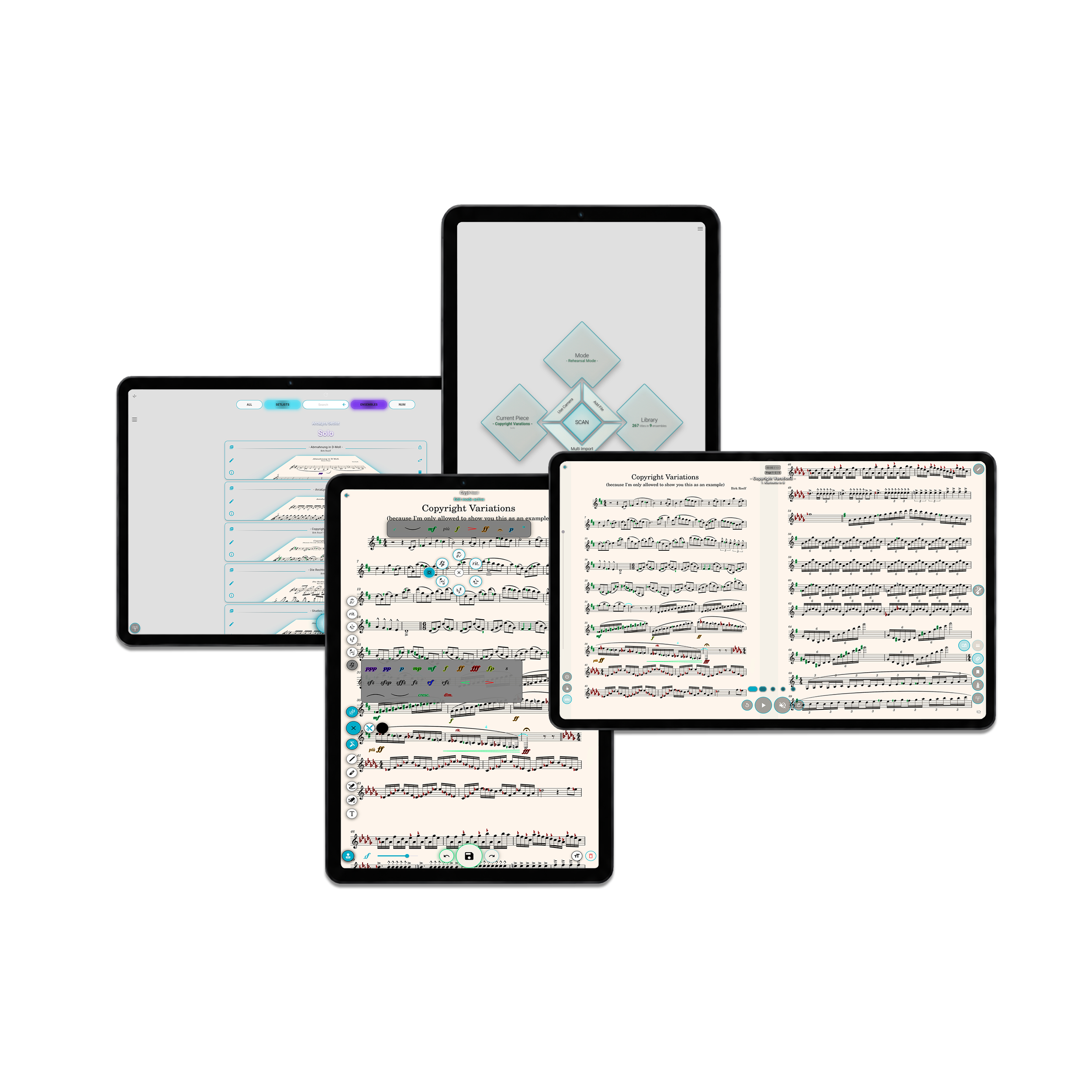
Developed for musicians –by a musician
Thousands of pieces in just a few millimetres
Probably the biggest advantage of digital sheet music is being able to carry thousands of pieces on a single device. No more hauling piles of music around. You just need to remember to charge your tablet in time.
ArcaLyra’s library can hold a large collection without becoming cluttered. Its sorting system groups your music by ensemble and instrument, while setlists help you keep track of what you need. Different parts sit within the same piece, keeping unnecessary duplicate entries out of your library.
ArcaLyra is constantly evolving, so some recordings may differ from its current appearance. The features shown are still available. These recordings were made on an Android tablet. ArcaLyra looks largely the same on iPad, apart from system elements such as the on-screen keyboard.
Play completely offline
As a musician, I’ve always felt strongly that a sheet music app should work without an internet connection. That’s why you can read, edit and play from your locally stored music in ArcaLyra offline.
The app needs an occasional internet connection to verify your subscription. Currently, you can use ArcaLyra offline for up to 14 days after the last successful subscription check. After 12 days, the app reminds you to reconnect. If your subscription cannot be confirmed before that period ends, it needs to be verified online again before you can continue using the app.
From paper or file to the screen in seconds
Scan your music with your device’s camera, import individual JPEG, PNG or PDF files, or bring in entire folders. During folder import, ArcaLyra automatically recognises and assigns a wide range of German and English instrument and part abbreviations.
When you fully import your music into ArcaLyra, the app works with its own copies. Your original files stay unchanged.
Do you sometimes play different parts or even several instruments in your ensemble? Are your sheet music files already labelled with part names or abbreviations? ArcaLyra recognises over 2,800 abbreviations and spelling variations for instruments and parts in German and English.
Select a folder containing only pieces for a single ensemble, and let ArcaLyra automatically organise all the pieces in it into your library.
ArcaLyra is constantly evolving, so some recordings may differ from its current appearance. The features shown are still available. These recordings were made on an Android tablet. ArcaLyra looks largely the same on iPad, apart from system elements such as the on-screen keyboard.
Why a subscription?
There were two things I wanted to avoid for you: ads in a sheet music app, and a one-time purchase followed by more payments for future updates.
What I wanted instead:
- A small subscription fee that as many people as possible can afford – less than a drink when you’re out.
- No artificial feature limits: everyone gets the full app.
- The freedom to keep expanding the app without charging extra for every new feature.
My aim is to keep the price stable. I can’t rule out hyperinflation, of course – but constantly raising the price isn’t the plan.
Editing options galore
Explore the many ways to edit your music in ArcaLyra. Add music symbols, give them your own colours or choose a different outline. Rearrange the pages of a piece, add new pages or put together a new piece from selected pages. You can even place your own snippets of bars directly onto the score.
There’s plenty here to make a musician’s heart beat a little faster. And the best part: the possibilities keep growing.
A quick overview:
- Place, move, resize, colour, duplicate, highlight and delete music symbols from a large selection.
- Adjust special symbols such as crescendo hairpins, BPM markings and slurs.
- Fine-tune your pen, eraser, highlighter and score eraser. Your settings are retained, and the tools work with a finger or stylus.
- Use the text tool with the same adjustment options as the music symbols.
- Stamp symbols onto your score in quick succession.
- Change the colour of the whole score page and save that setting for each piece.
- Crop pages or correct their perspective.
- Insert score snippets at any size, including across pages.
- Erase hard-to-read notation and create adjustable staff lines with clearer music symbols.
- And much more.
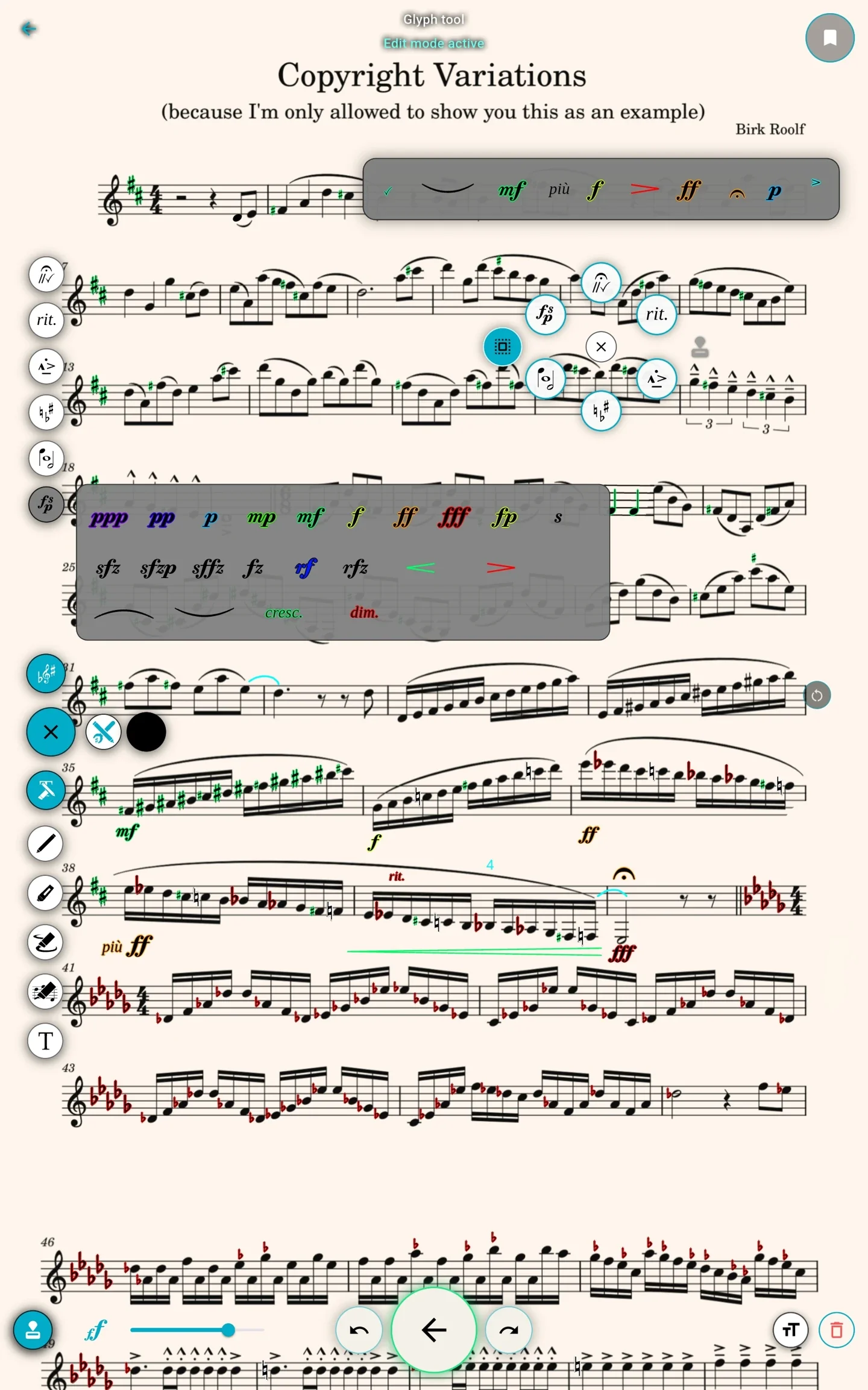
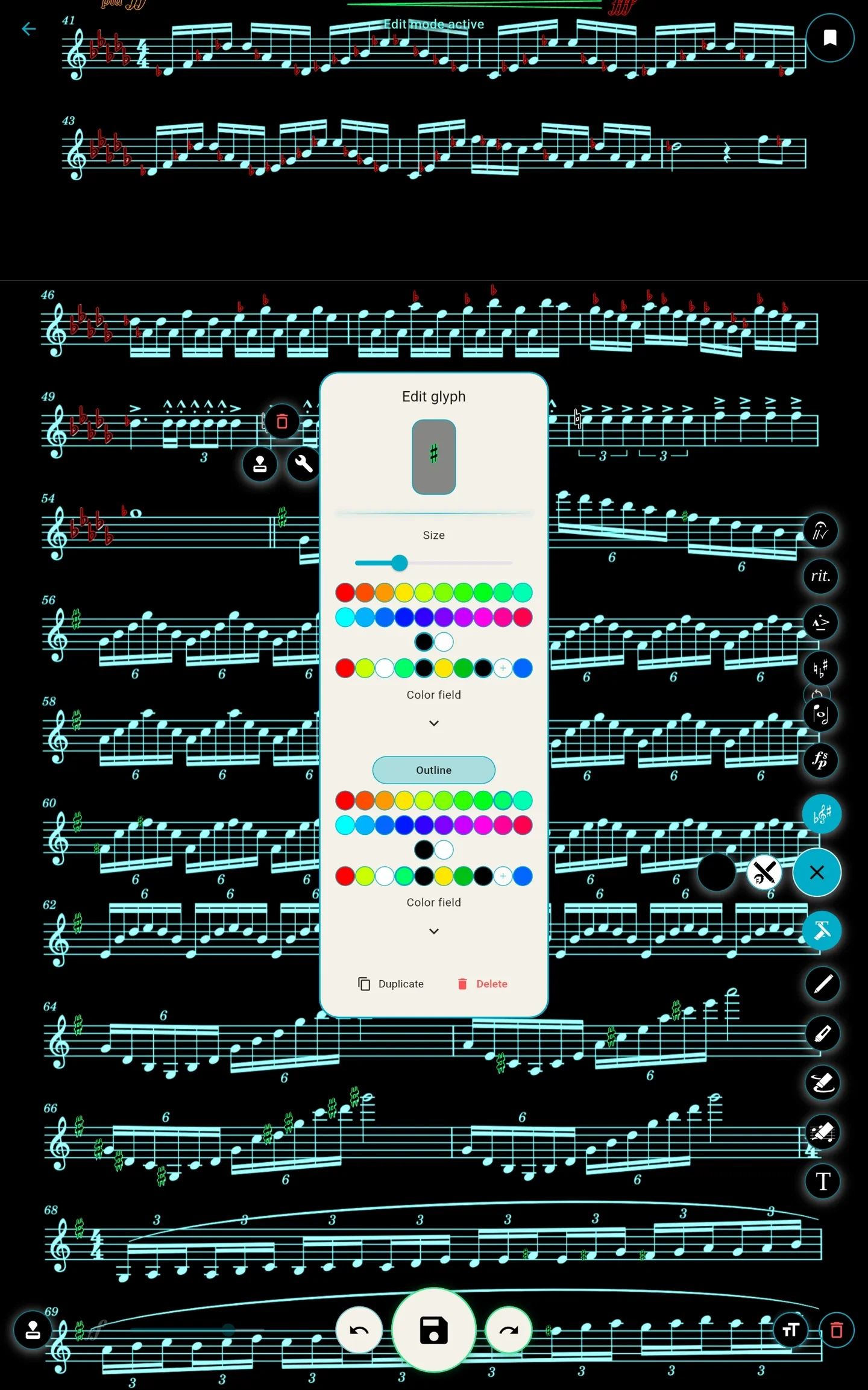
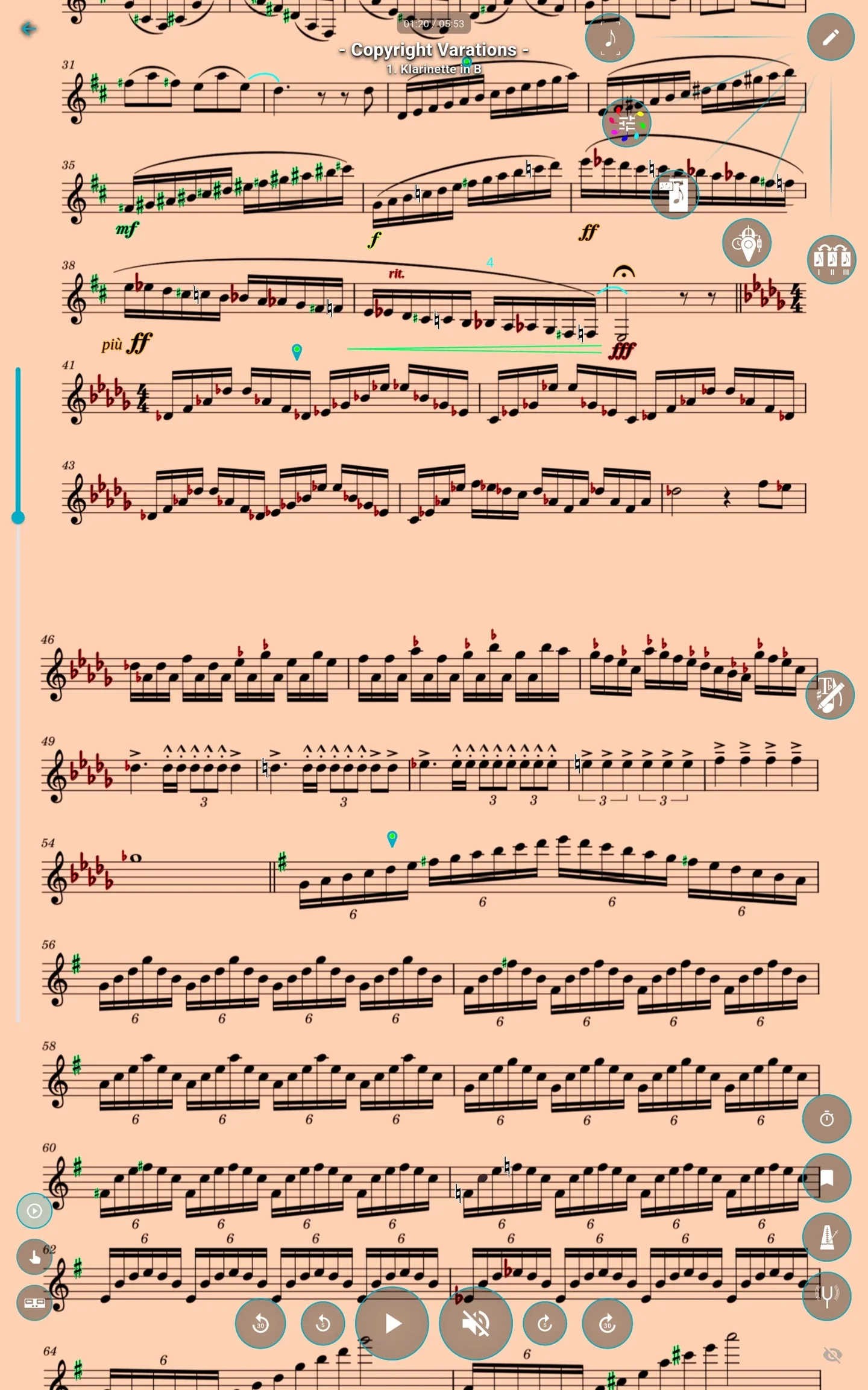
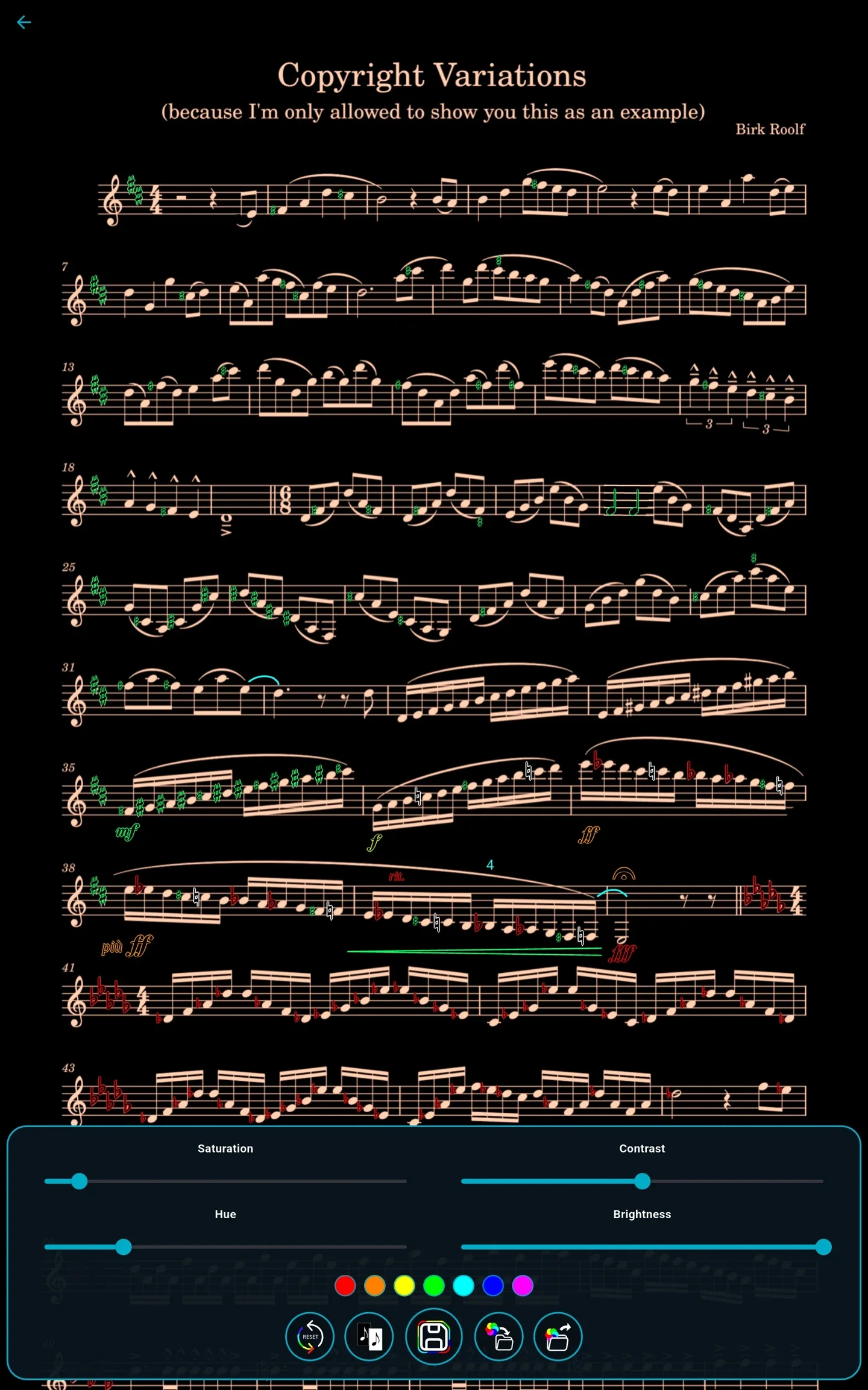
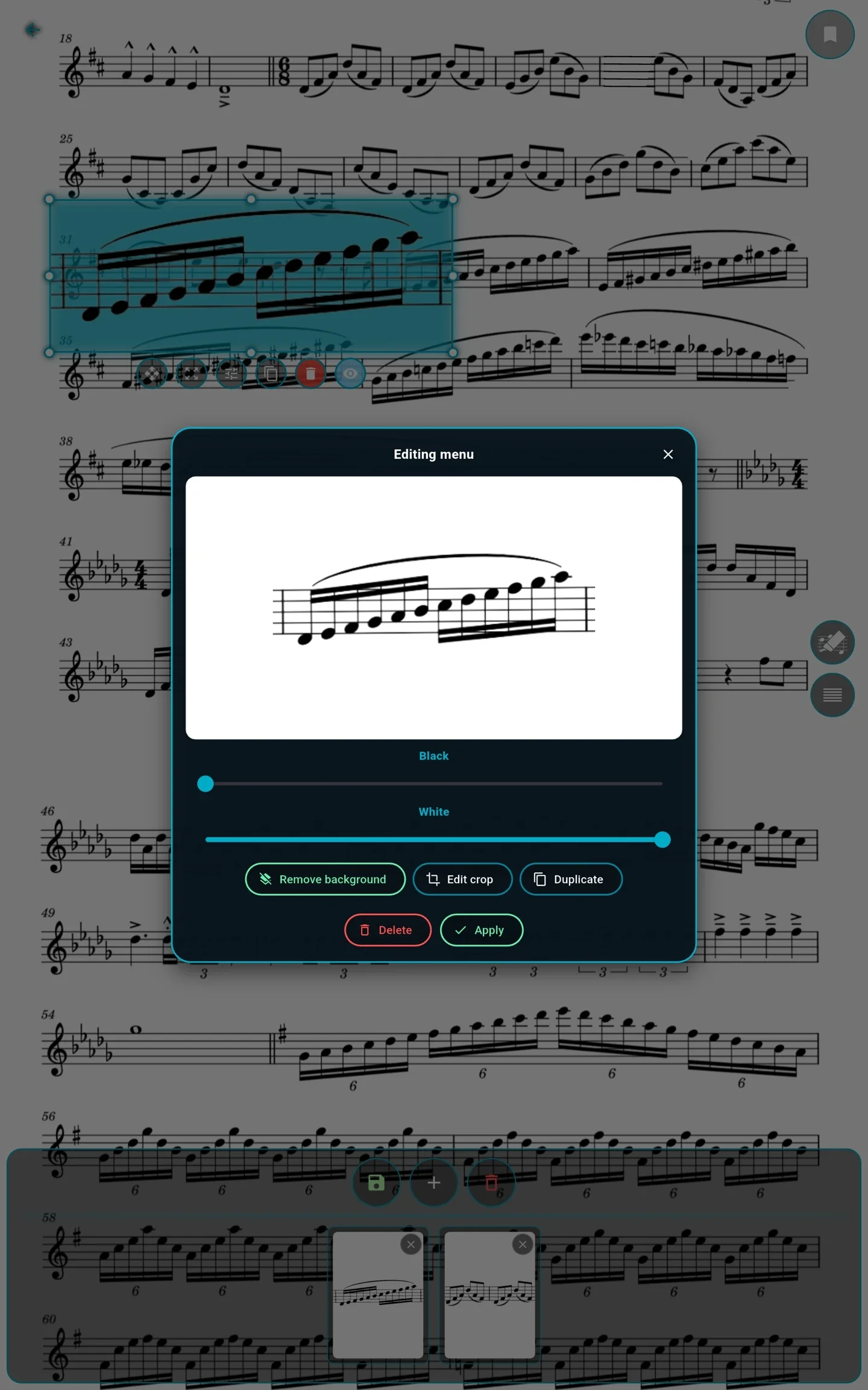
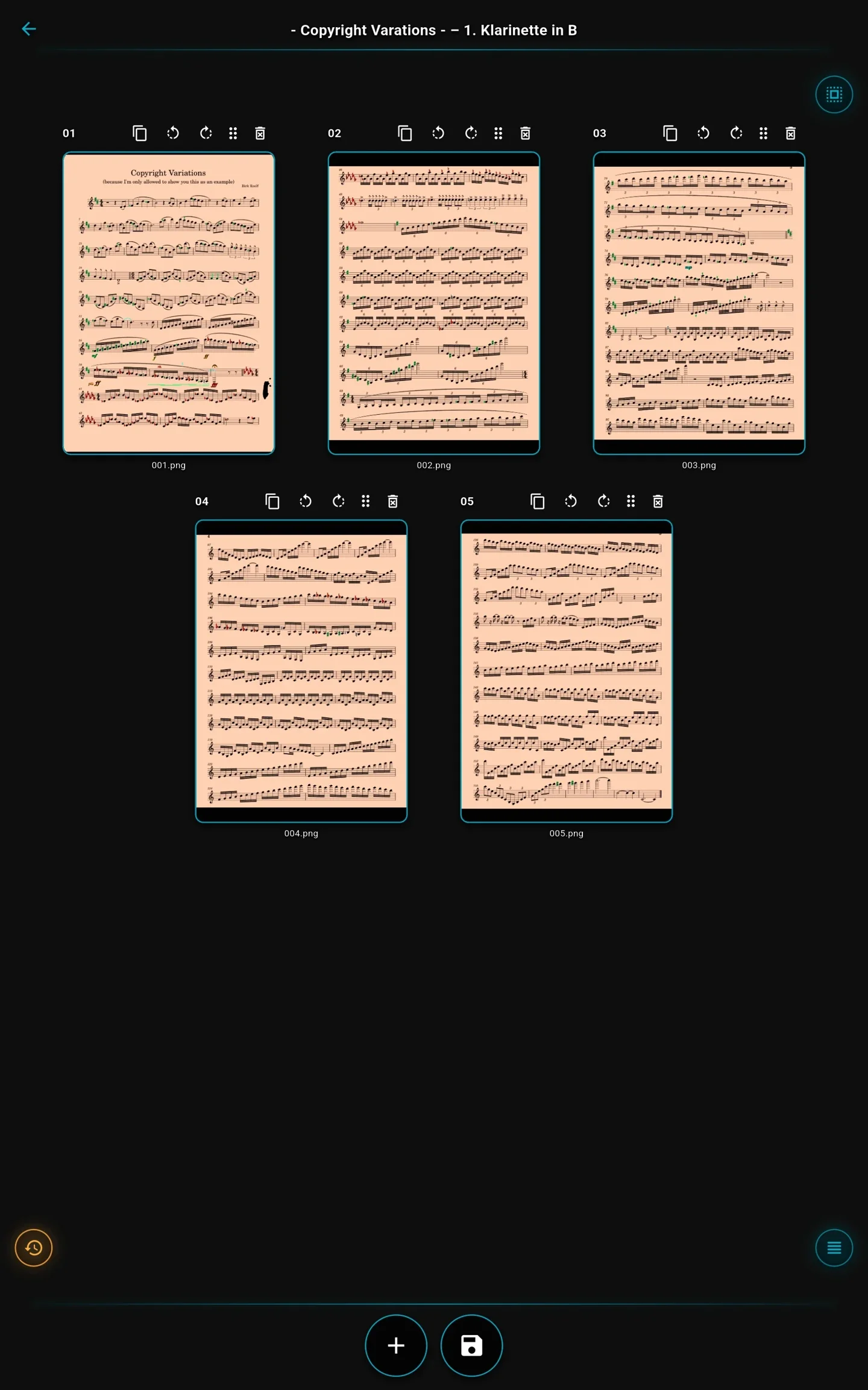
ArcaLyra is constantly evolving, so some recordings may differ from its current appearance. The features shown are still available. These recordings were made on an Android tablet. ArcaLyra looks largely the same on iPad, apart from system elements such as the on-screen keyboard.
A fully customisable autoscroll prototype
ArcaLyra lets you tailor autoscroll to your piece. Your music scrolls slowly through slower passages and faster through quicker ones.
The dream behind it: set it up once and never have to turn a page again. For now, you create the scrolling sequence using an audio recording or a timed run-through.
In this first released version, you still need to set up the sequence by hand. That’s something I want to change: automatic recognition is already in development!
ArcaLyra is constantly evolving, so some recordings may differ from its current appearance. The features shown are still available. These recordings were made on an Android tablet. ArcaLyra looks largely the same on iPad, apart from system elements such as the on-screen keyboard.
Support for external devices
ArcaLyra supports many widely available foot pedals, so you can control your music while keeping your hands on your instrument.
You can also use a stylus compatible with your tablet to write and edit in ArcaLyra.
Make ArcaLyra your own
Give ArcaLyra the personality of your own music folder. Choose a menu accent colour you like and add your own background image for the main menu and library.
In the theme editor, you can even create a separate theme for concert mode, setting the right mood for that special moment.
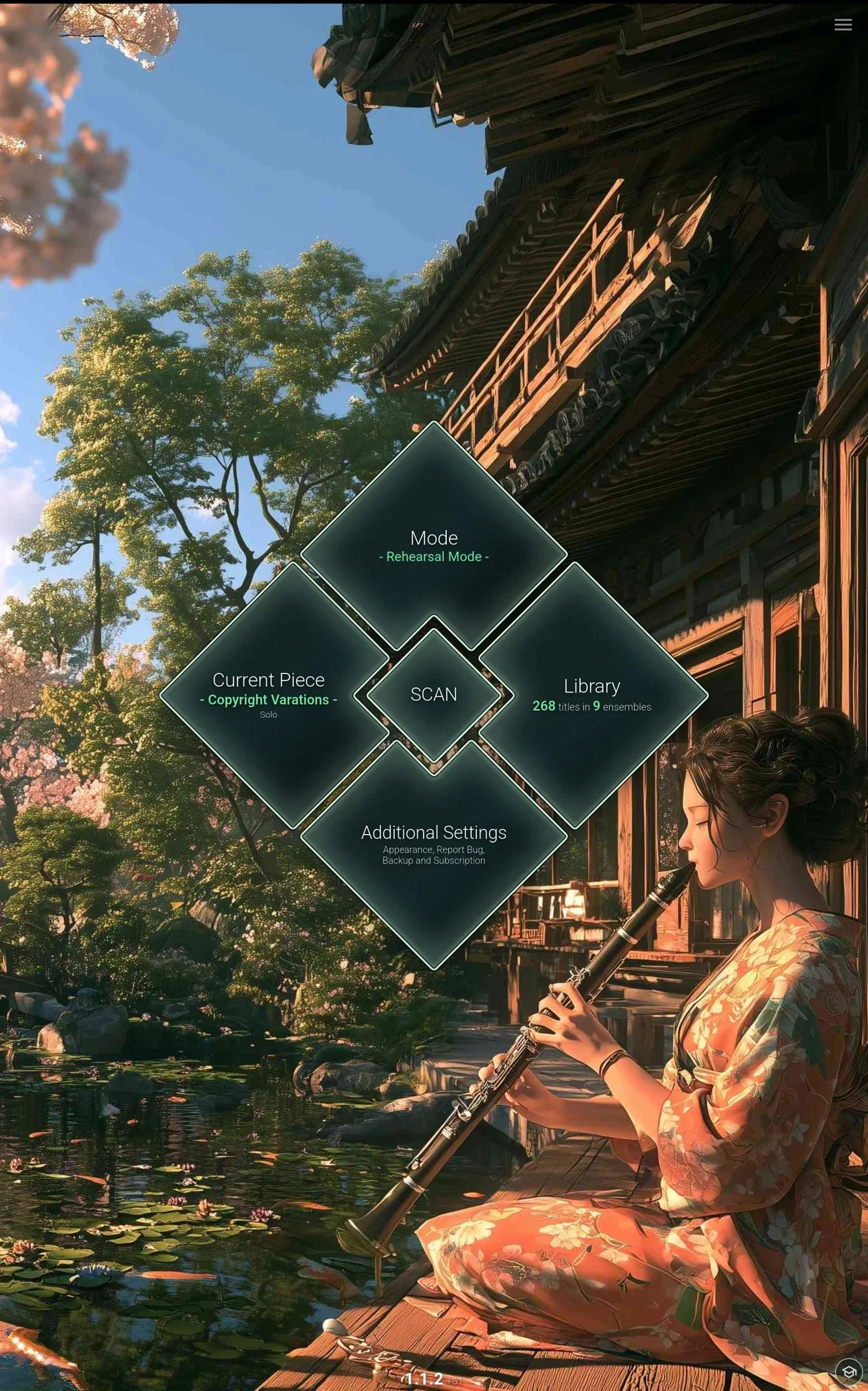
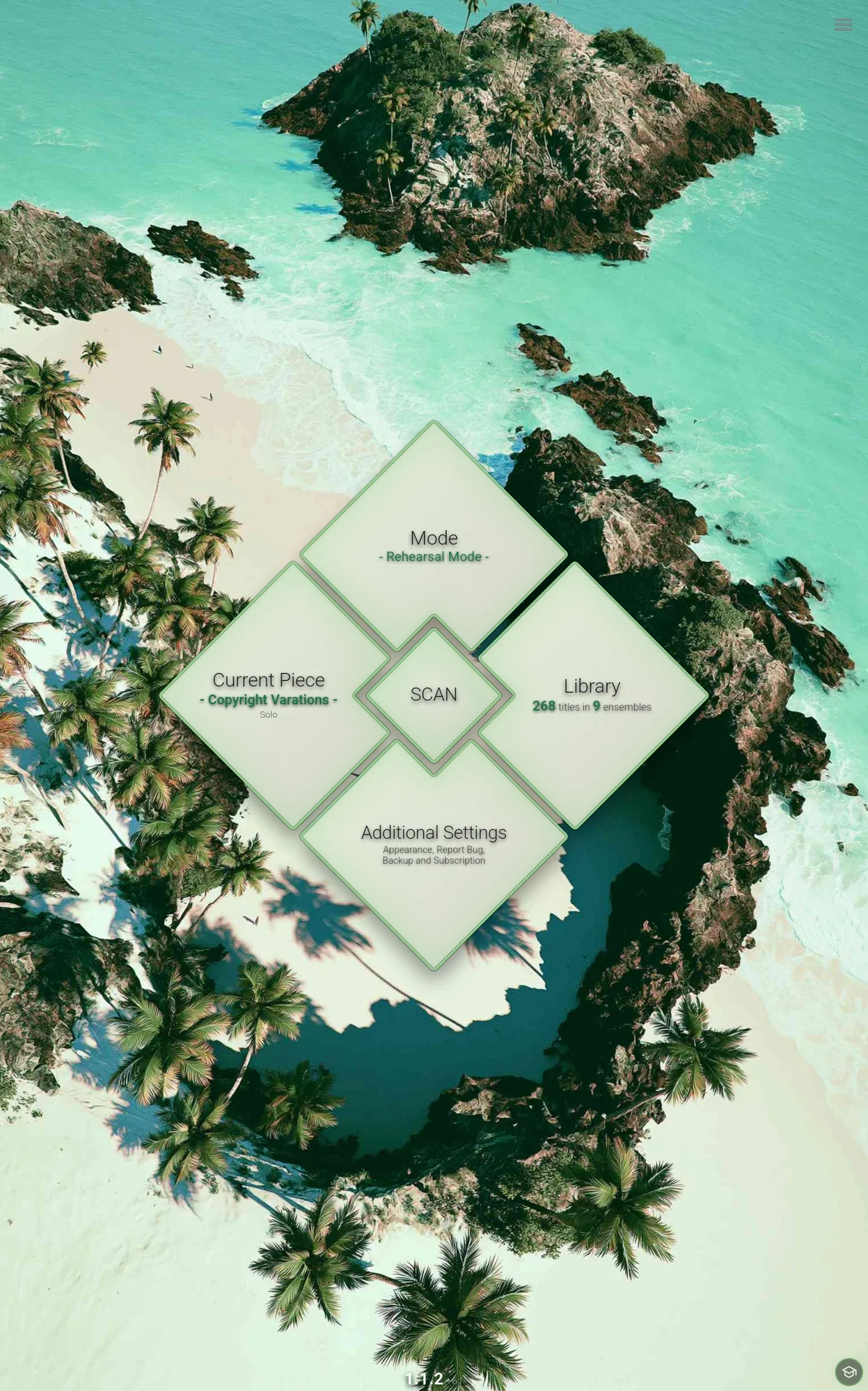
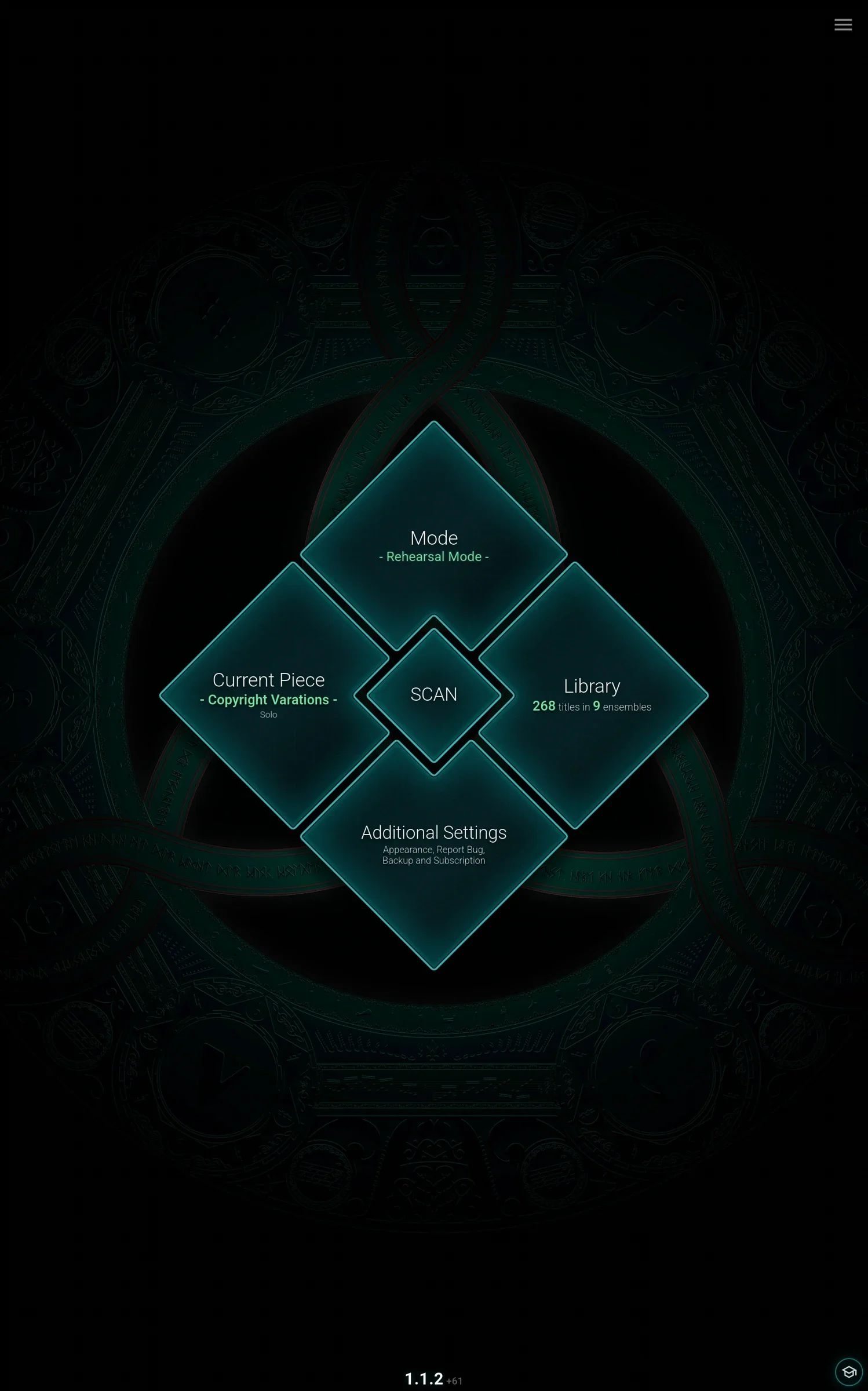
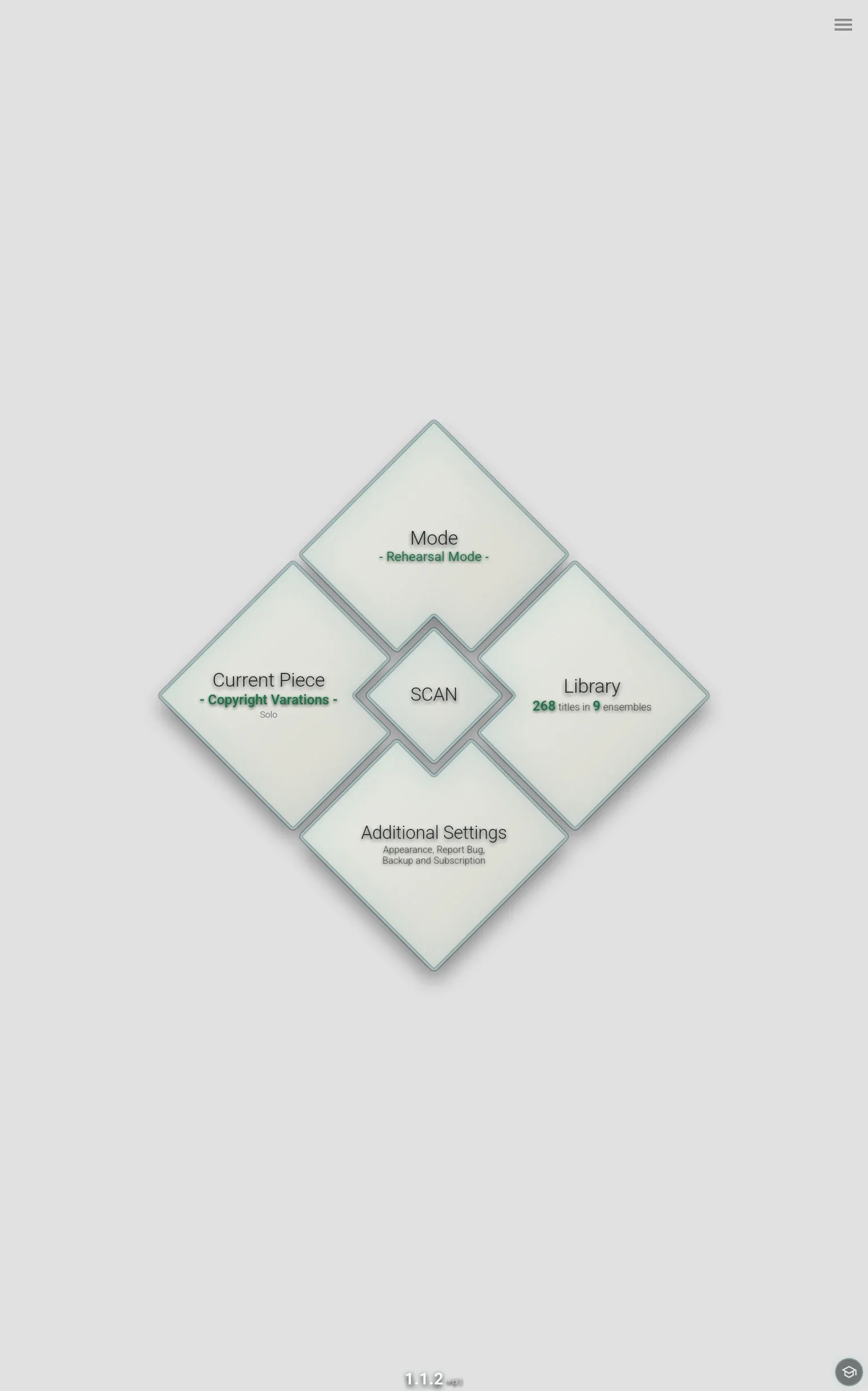
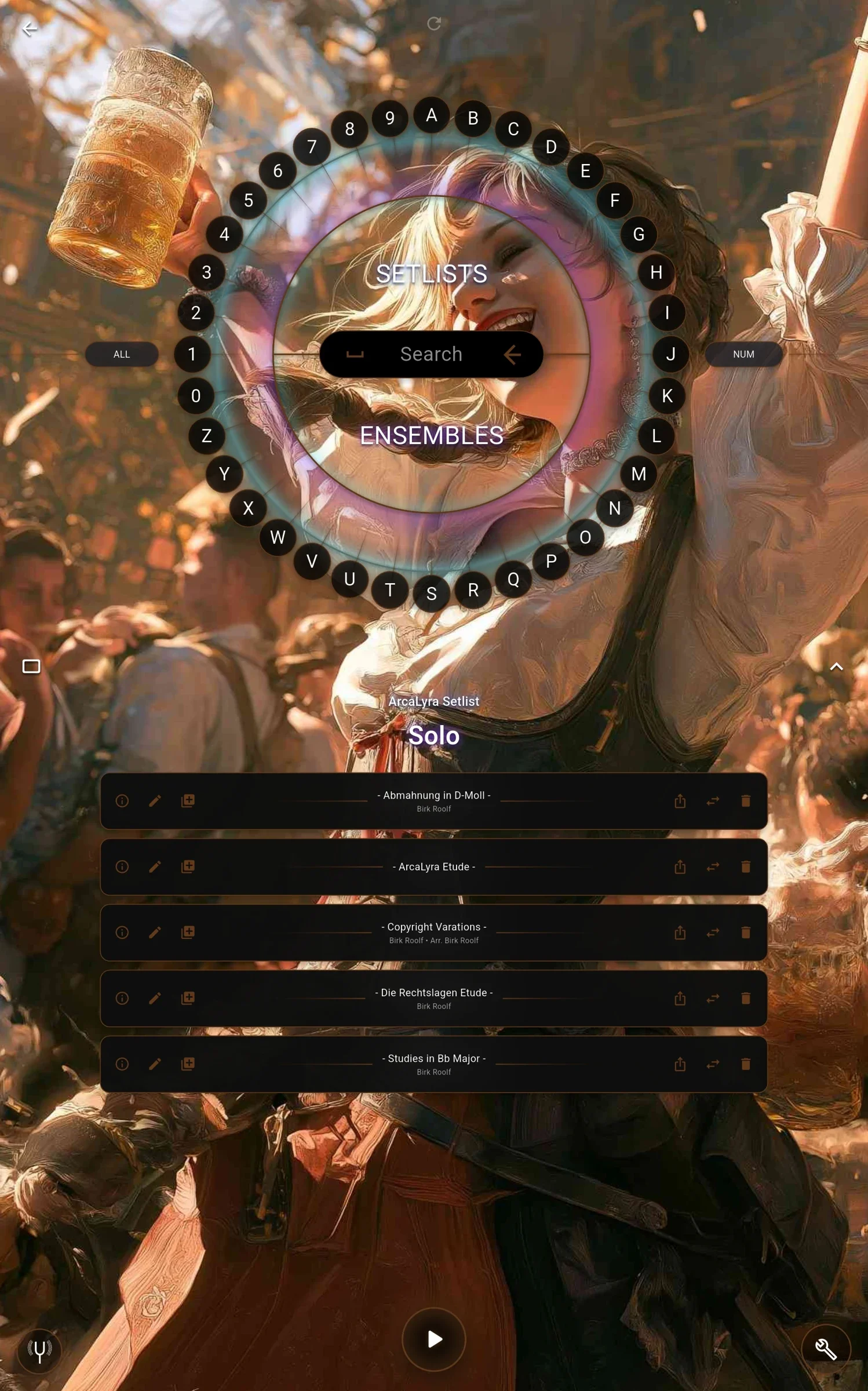
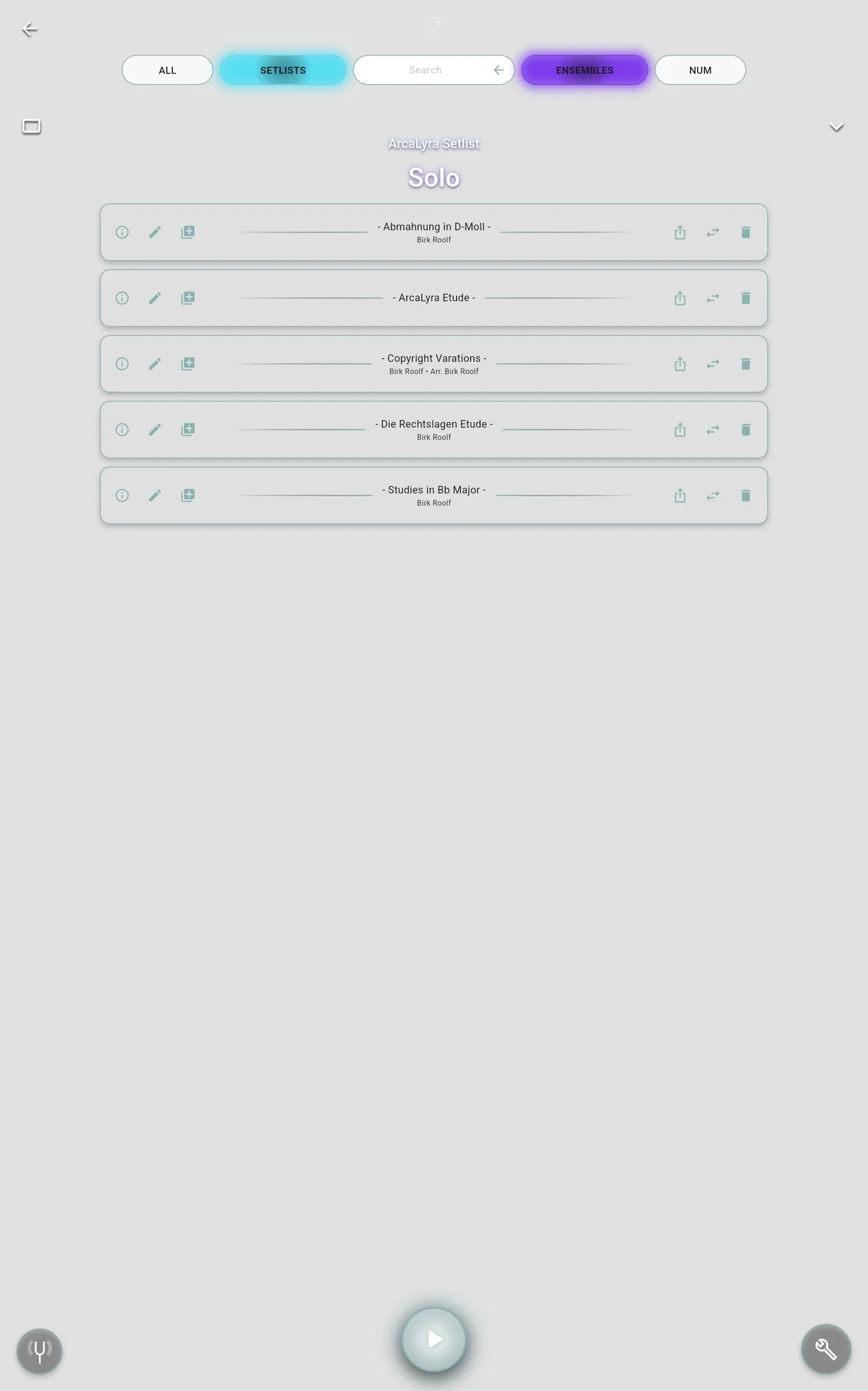
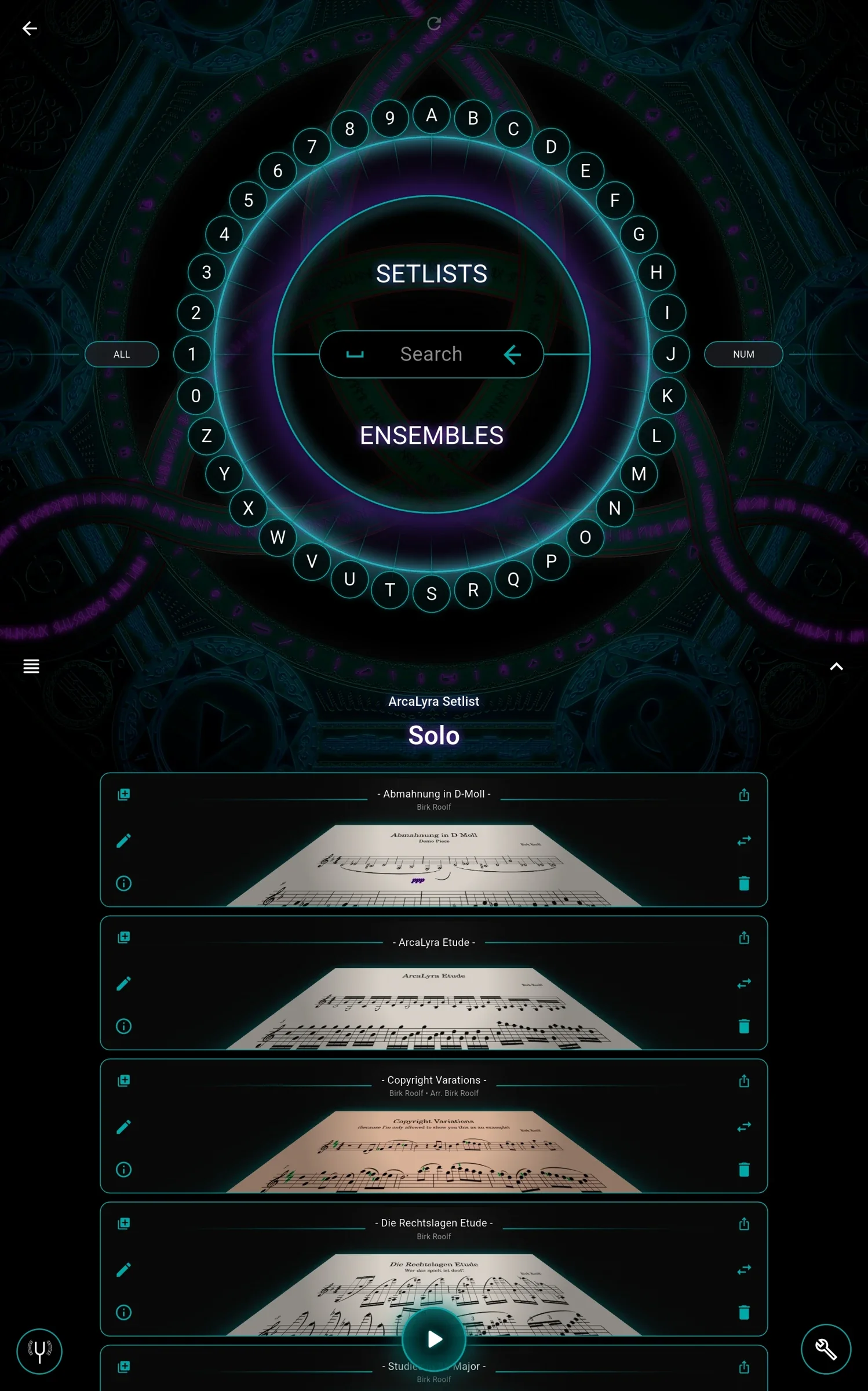
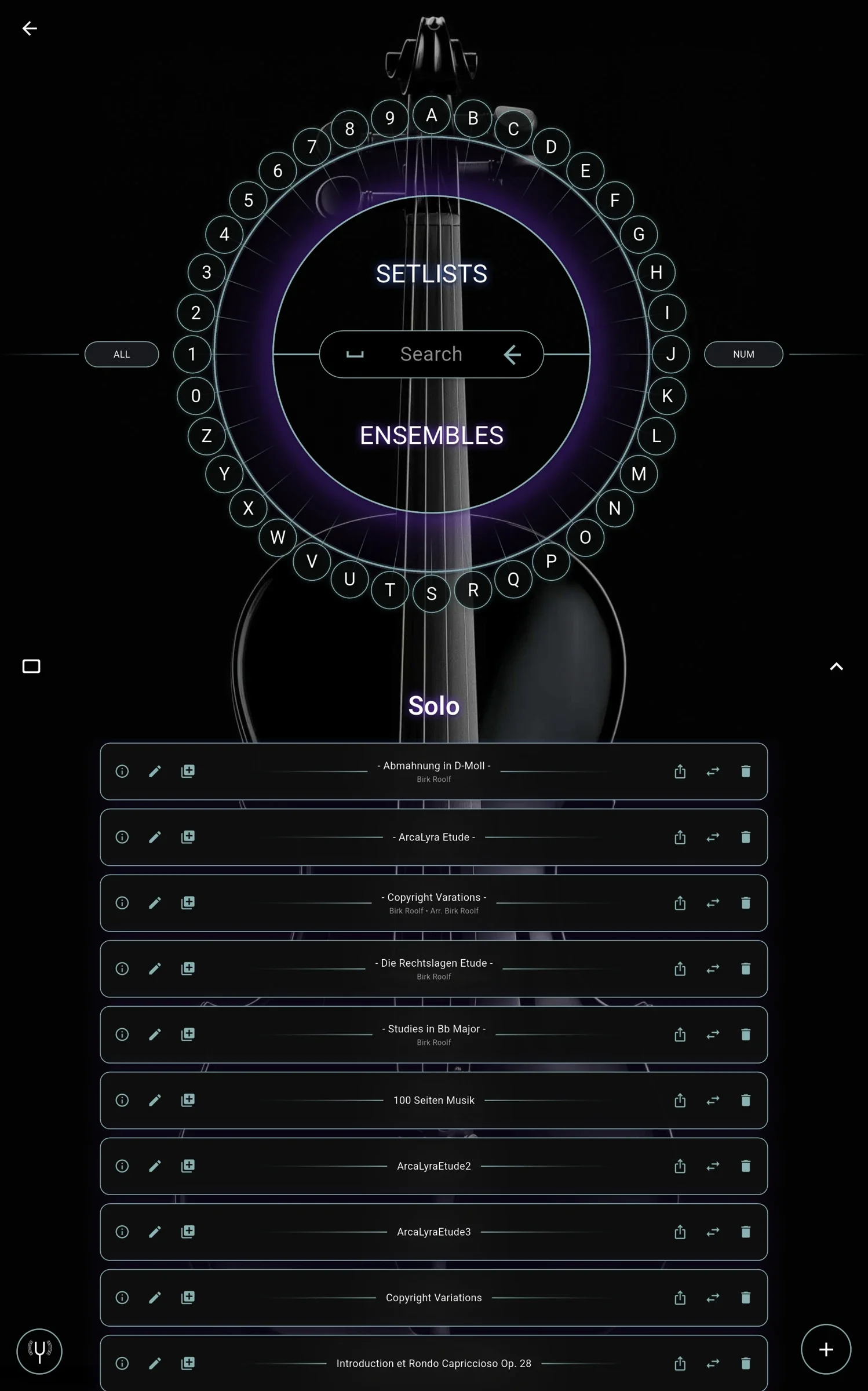
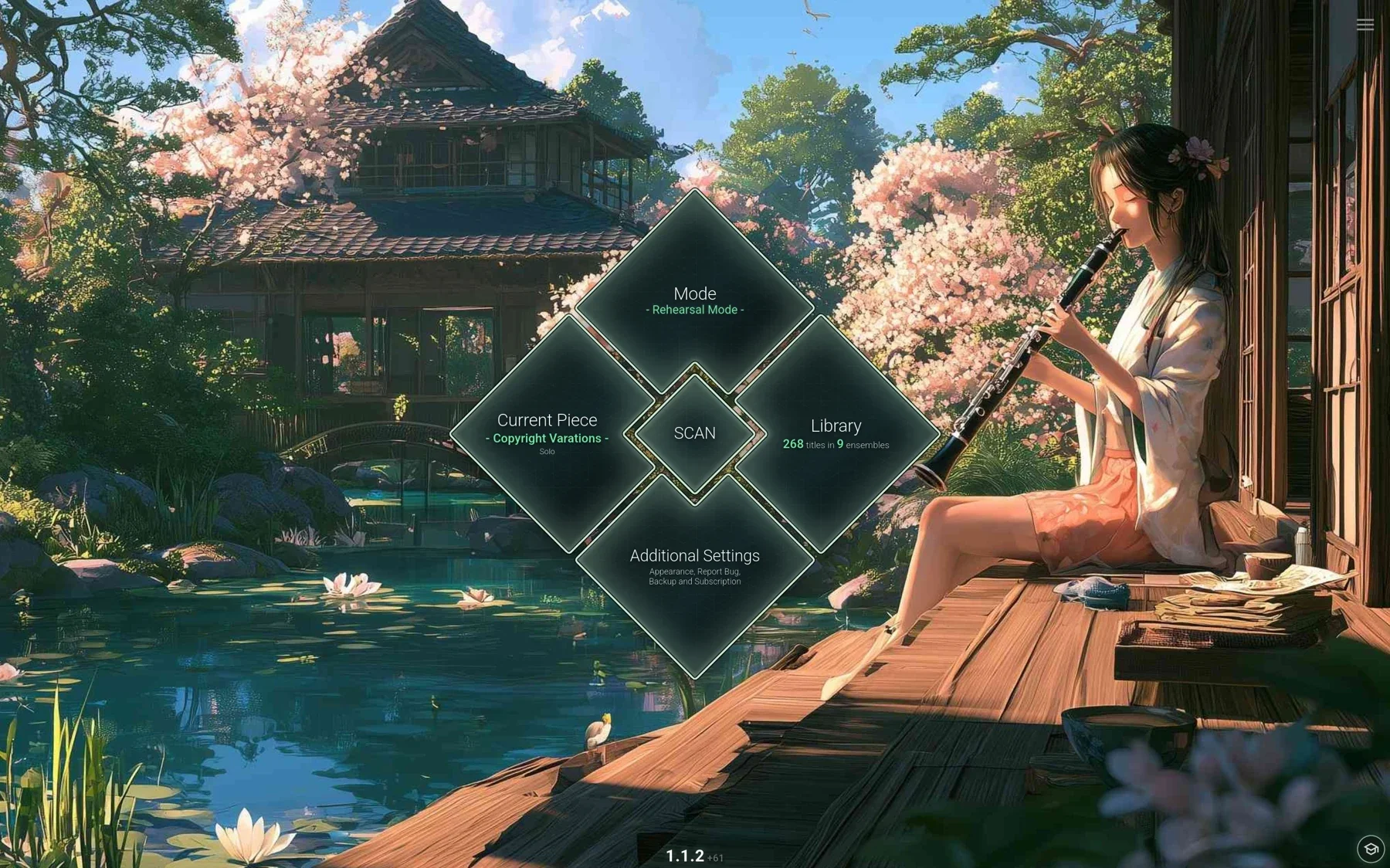
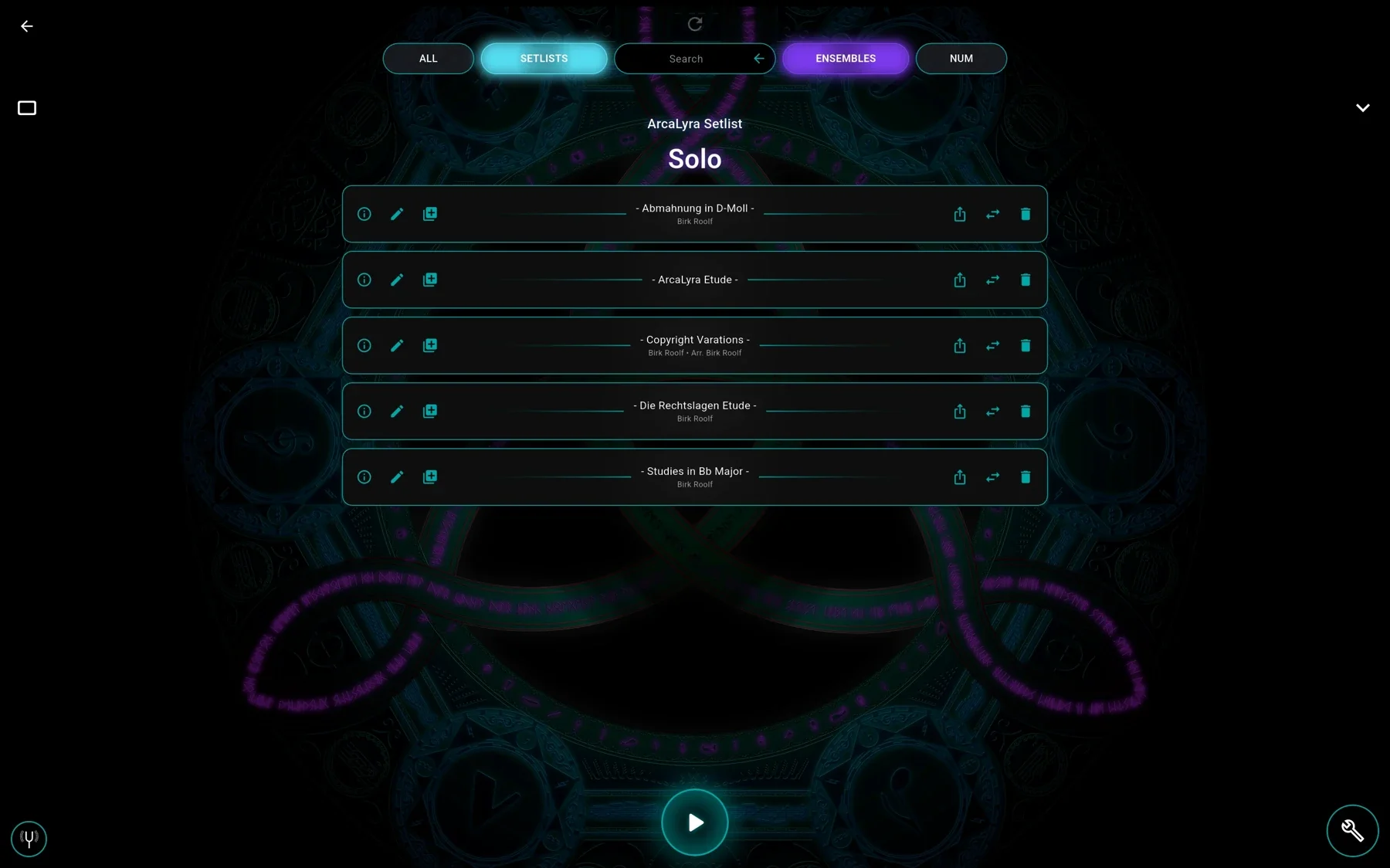
ArcaLyra is constantly evolving, so some recordings may differ from its current appearance. The features shown are still available. These recordings were made on an Android tablet. ArcaLyra looks largely the same on iPad, apart from system elements such as the on-screen keyboard.
A quick way to get in touch
If you run into a problem, you can report it directly through the form in the app, without providing your name or email address.
Please don’t hesitate to share criticism. I can only make the app better if I know what isn’t working well.
There’s much more to come
Alongside improvements to existing features, I want ArcaLyra to grow much further. On my drawing board are an extensive practice mode focused on helping you improve, music recognition, an annotation feature, the automatic autoscroll setup mentioned above and plenty of other ideas.
The recognition being developed for autoscroll alone will open up new possibilities. Stay tuned!
Planned features, not guarantees. Their scope and implementation may change.
Ready for your first piece?
Try your sheet music on a tablet.
For iPad and Android colour-screen tablets. Subscription app with a 14-day trial for eligible new subscribers. Check your store for prices and terms before subscribing.